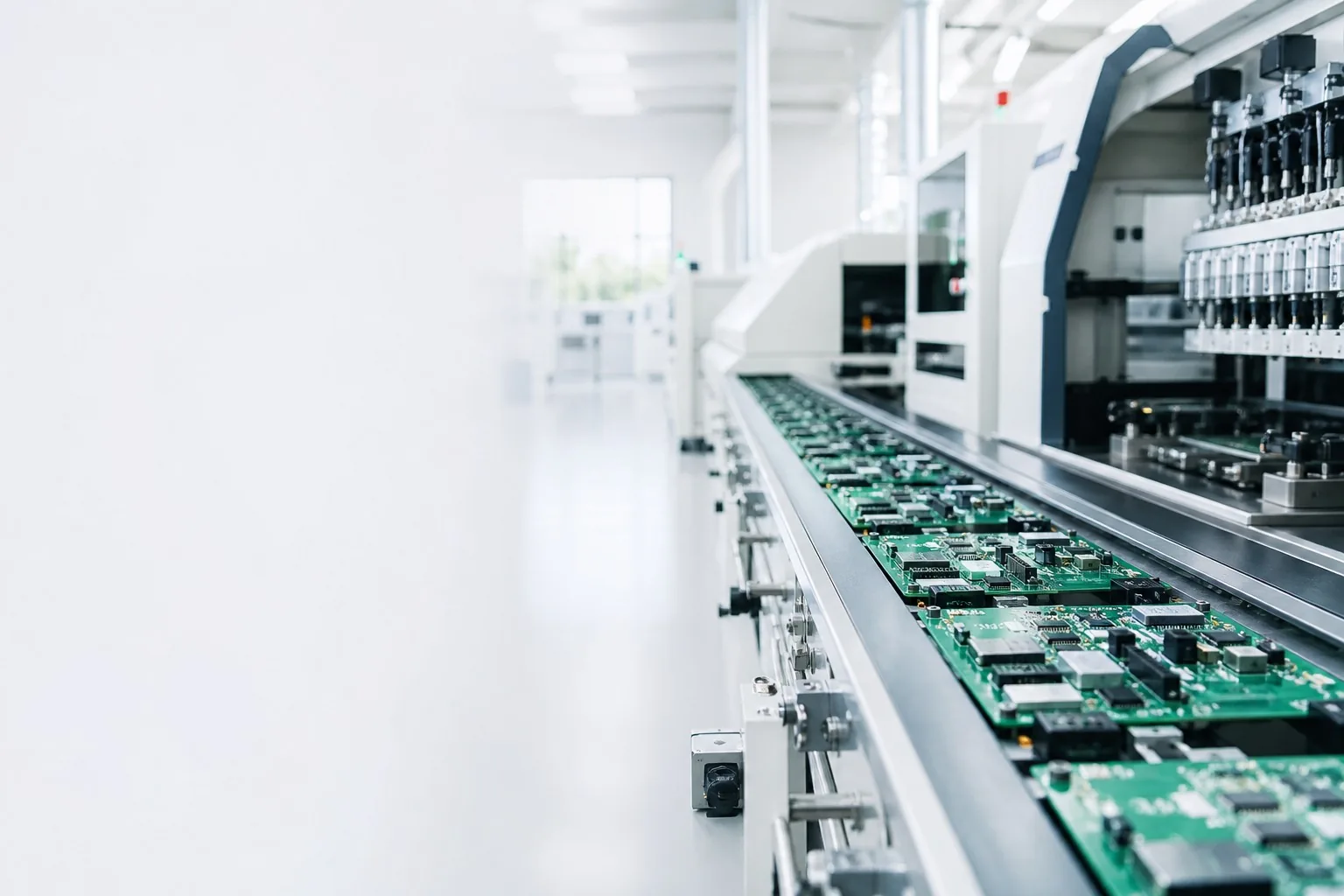
Tuya Smart Product Solutions for Production-Ready Devices
HS-PCBA combines Tuya module integration with the part that must work in the real product: custom control-board hardware, local MCU logic, connected validation and repeatable PCBA production.
- Product & DP definition
- Module + MCU integration
- Firmware & validation
- NPI & PCBA production
ONE CONNECTED PRODUCT / TWO COMPLEMENTARY LAYERS
The platform is the start. The product still has to work.
Tuya provides a route for device connectivity, app experiences and cloud services. HS-PCBA turns the selected route into practical Tuya PCBA development: electronics and firmware that fit the appliance, survive validation and can be built repeatedly.
Connected product services
The selected Tuya solution can provide the product identity, data-point model, device connectivity and the route to Smart Life, an OEM app or a custom app.
- Product ID and data-point configuration
- Compatible network module and platform firmware
- App panel, automation and cloud-service options
- Account, license and release management
Engineering and production delivery
We define how local product behavior maps to the connected experience, then implement the control board, MCU interface, firmware boundary and production checks.
- Schematic, PCB layout, BOM and module placement
- MCU logic, serial protocol and DP mapping
- Power, sensing, loads, HMI and safety behavior
- Prototype, functional test, NPI and manufacturing
THREE PRACTICAL STARTING POINTS
Start with the product you actually have
A Tuya project may begin with an existing appliance, a new product brief or a connected prototype that now needs production discipline. The work package changes with the starting point.
Add Tuya connectivity to an existing controller
Review the current MCU, UART resources, power, enclosure and firmware ownership, then define whether a module can be added or the control board should be revised.
Best when the appliance already works locally and needs a connected layer.Develop a custom Tuya control board
Develop sensing, loads, user interface, protection, module integration and local control around one agreed product behavior and data-point model.
Best when hardware, firmware and connectivity can be designed together.Move a connected prototype into production
Review released files, module provisioning, programming, test access and build risks before pilot production and a controlled manufacturing handoff.
Best when the concept is proven but NPI and repeatability are not yet closed.REFERENCE SOLUTION ARCHITECTURE
Keep essential control local. Connect the functions that add value.
For appliance programs, the main MCU can keep core sensing and control on the product while a Tuya network module exchanges commands and status with the platform through the defined protocol.
Sensors & Loads
Temperature, air quality, switches, motors, relays, heaters, indicators and product-specific I/O.
Main MCU & Local Logic
Operating modes, protection, timing, HMI behavior and offline product control.
Tuya Module Interface
Power, UART or supported interface, module reset, network status and DP command mapping.
Connectivity & Cloud
Device identity, network connection, status exchange and enabled platform services.
App & Ecosystem
Smart Life, OEM app or an approved custom-app route, subject to the selected service.
TUYA-BASED APP UI CASES
One connected product experience across every screen
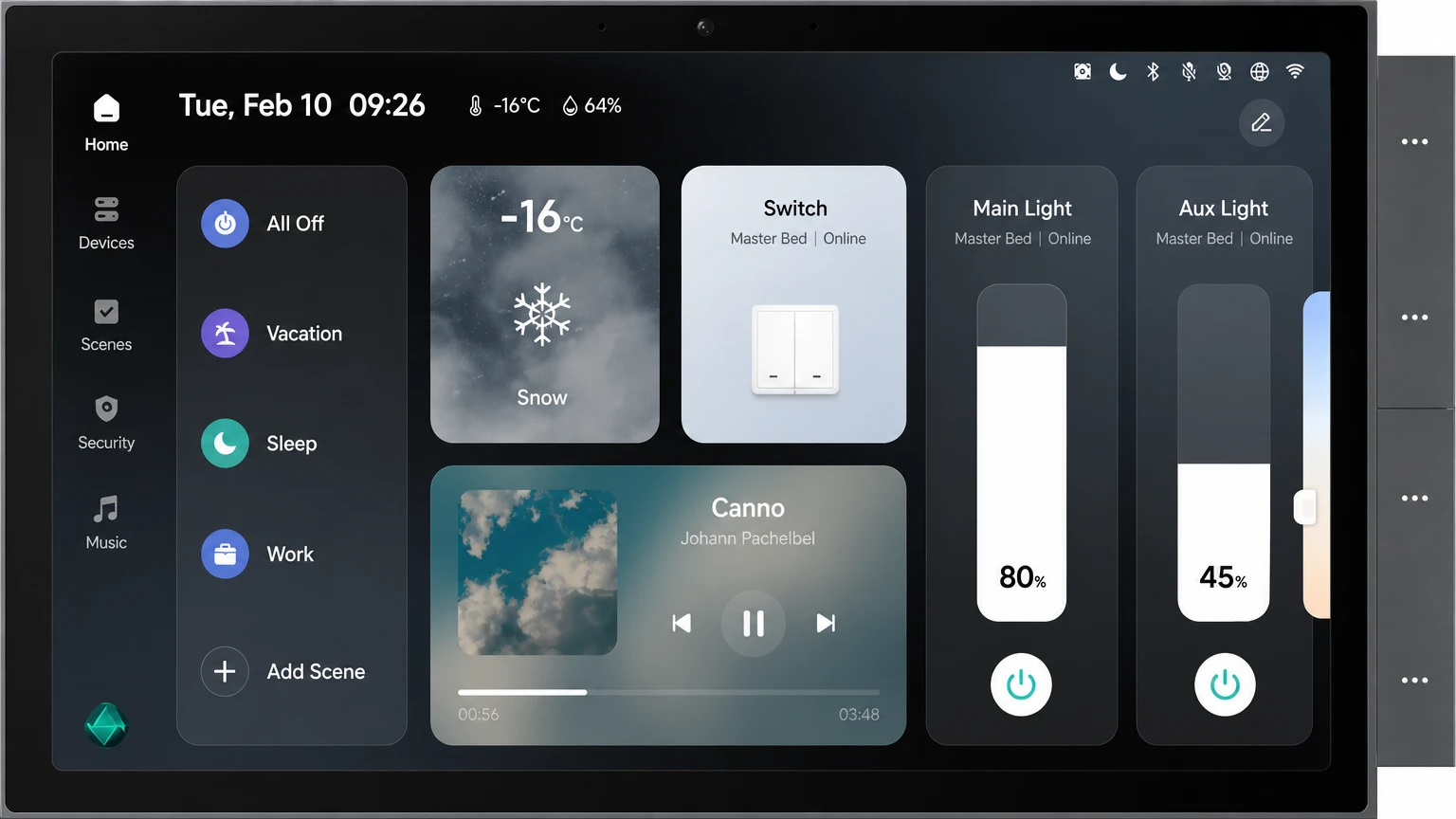
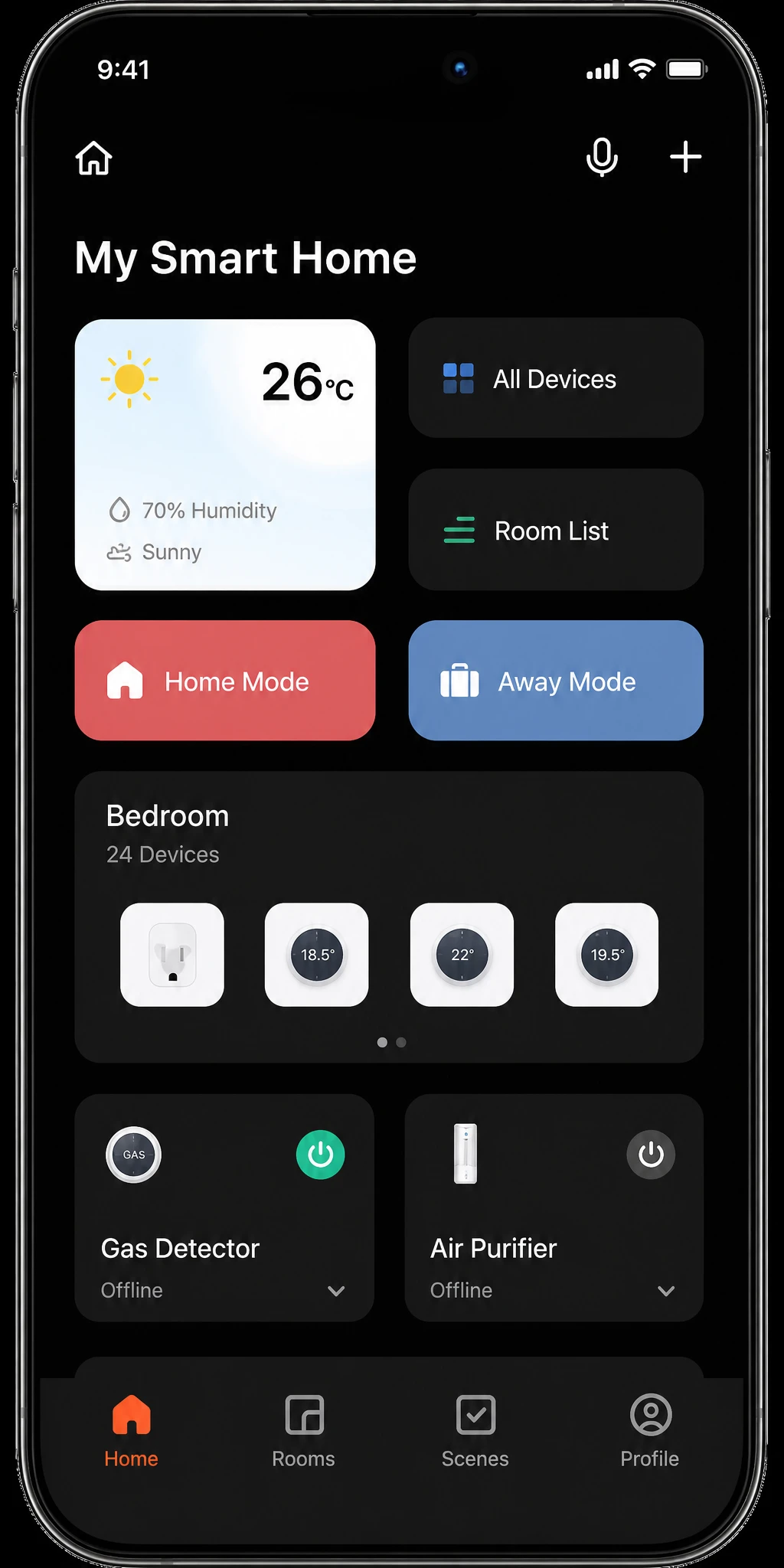
These Tuya smart home app UI examples show how device status, scenes, environmental data and controls can be organized for a wall-mounted central controller, a mobile app and a tablet dashboard.
Wall-Mounted Touchscreen
A single local interface for room devices, scenes, climate, security and media functions.
Smart Home Phone App
Remote access to home status, scenes, rooms and connected appliances in a compact mobile flow.
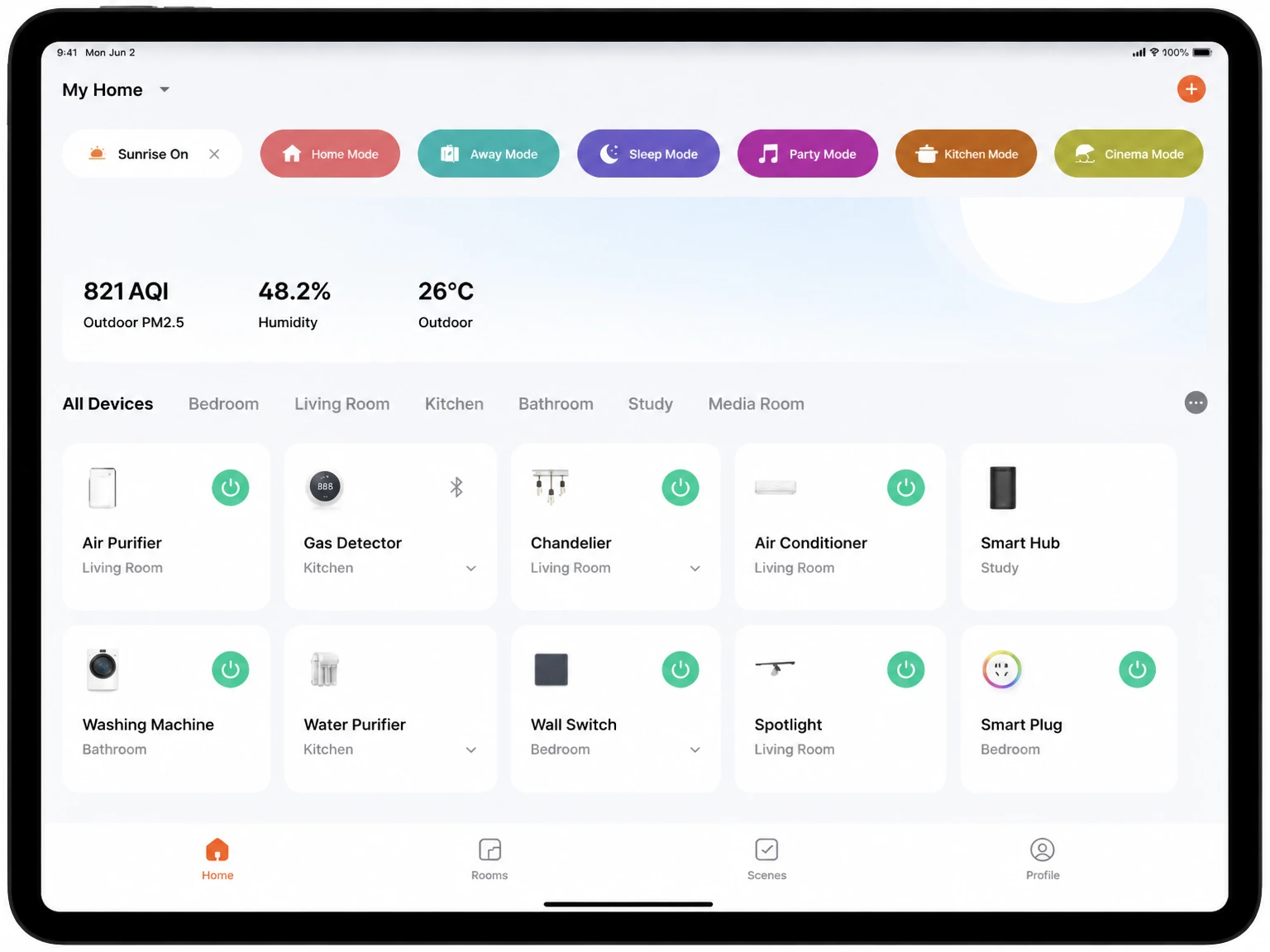
Tablet App Interface
A broader dashboard for environmental data, room navigation, multi-device status and one-tap scenes.
These are interface examples from Tuya-based smart-home development work. The final screen structure, supported functions and platform-service scope are defined for each product program. Explore broader Smart Home IoT solutions
APPLICATION EXPERIENCE
Connected control grounded in appliance engineering
HS-PCBA's relevant product experience spans heating, climate control and air-quality appliances — categories where local operation, sensing, loads and connected commands must stay synchronized.
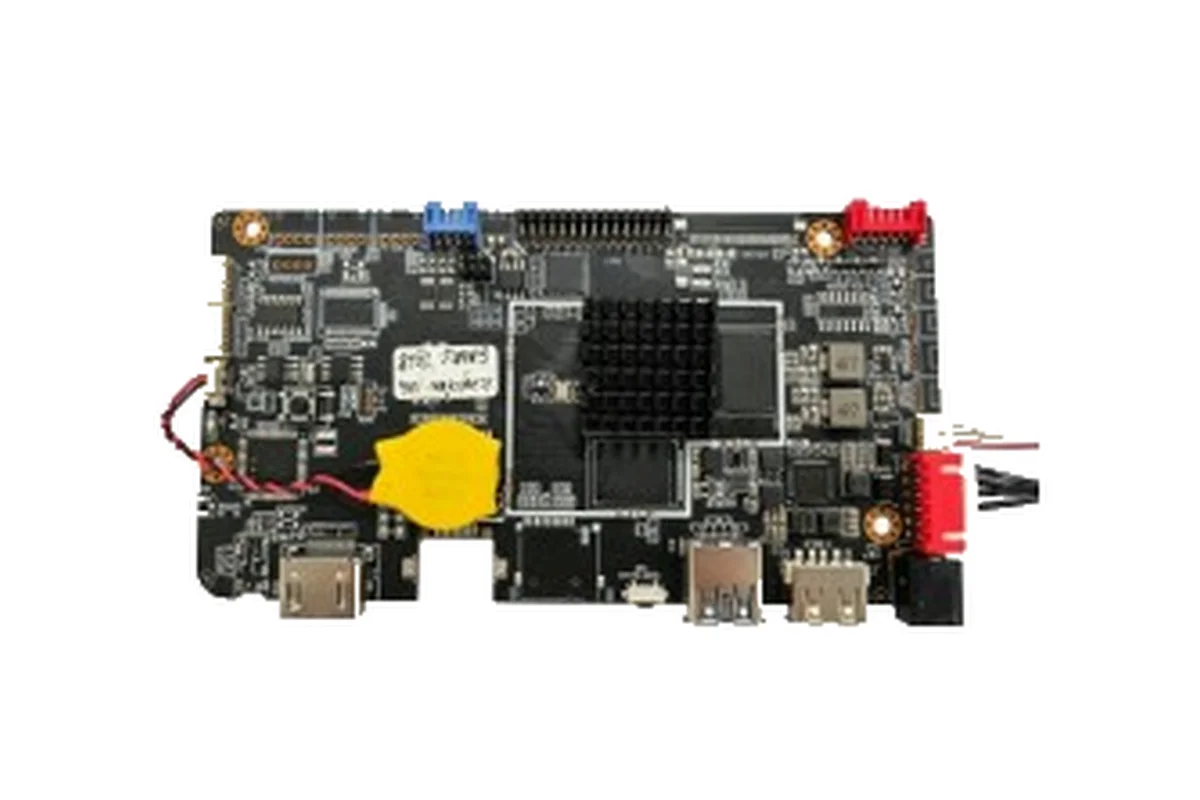 HEATING & FIREPLACE CONTROL
Heating & Fireplace Products
Coordinate heater stages, fans, flame effects, timers, local controls and connected commands without making core operation cloud-dependent.
Explore heating control boards →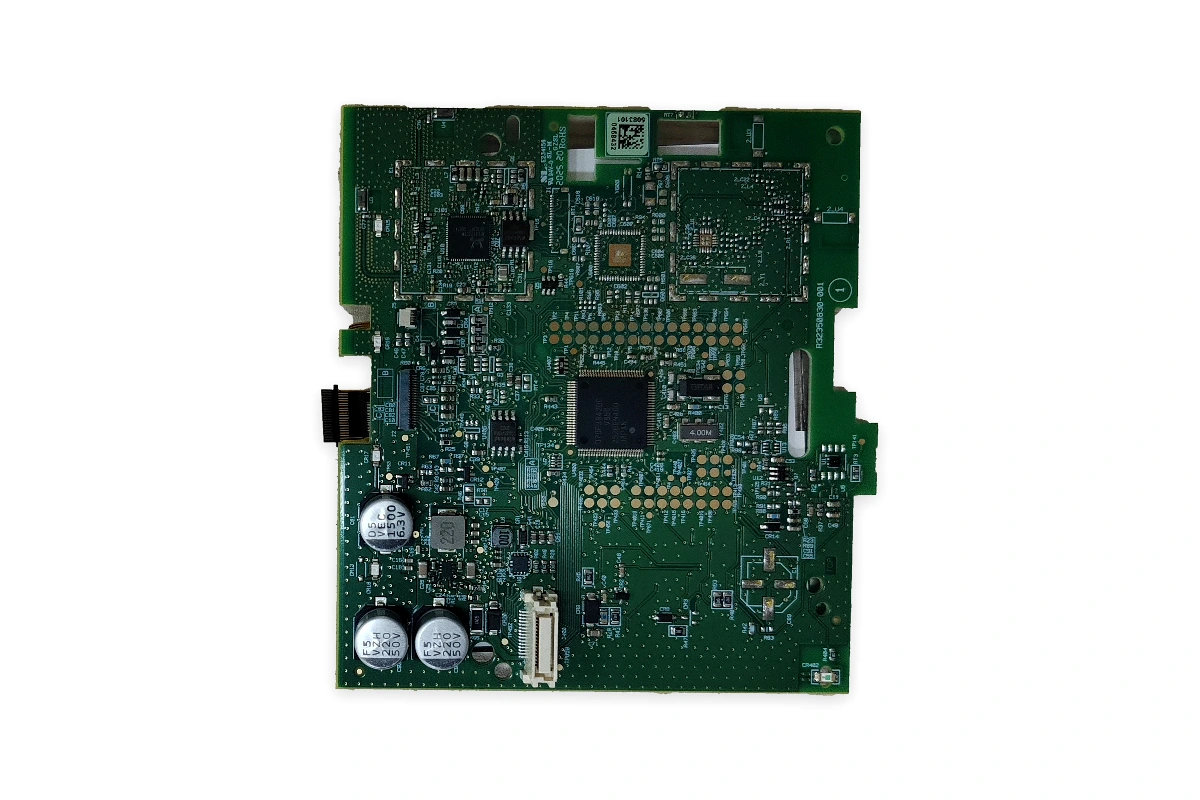 CLIMATE & HVAC INTERFACES
Thermostats & Climate Control
Align temperature sensing, setpoints, modes, schedules, displays and external equipment communication with remote status and control.
View the climate-control case →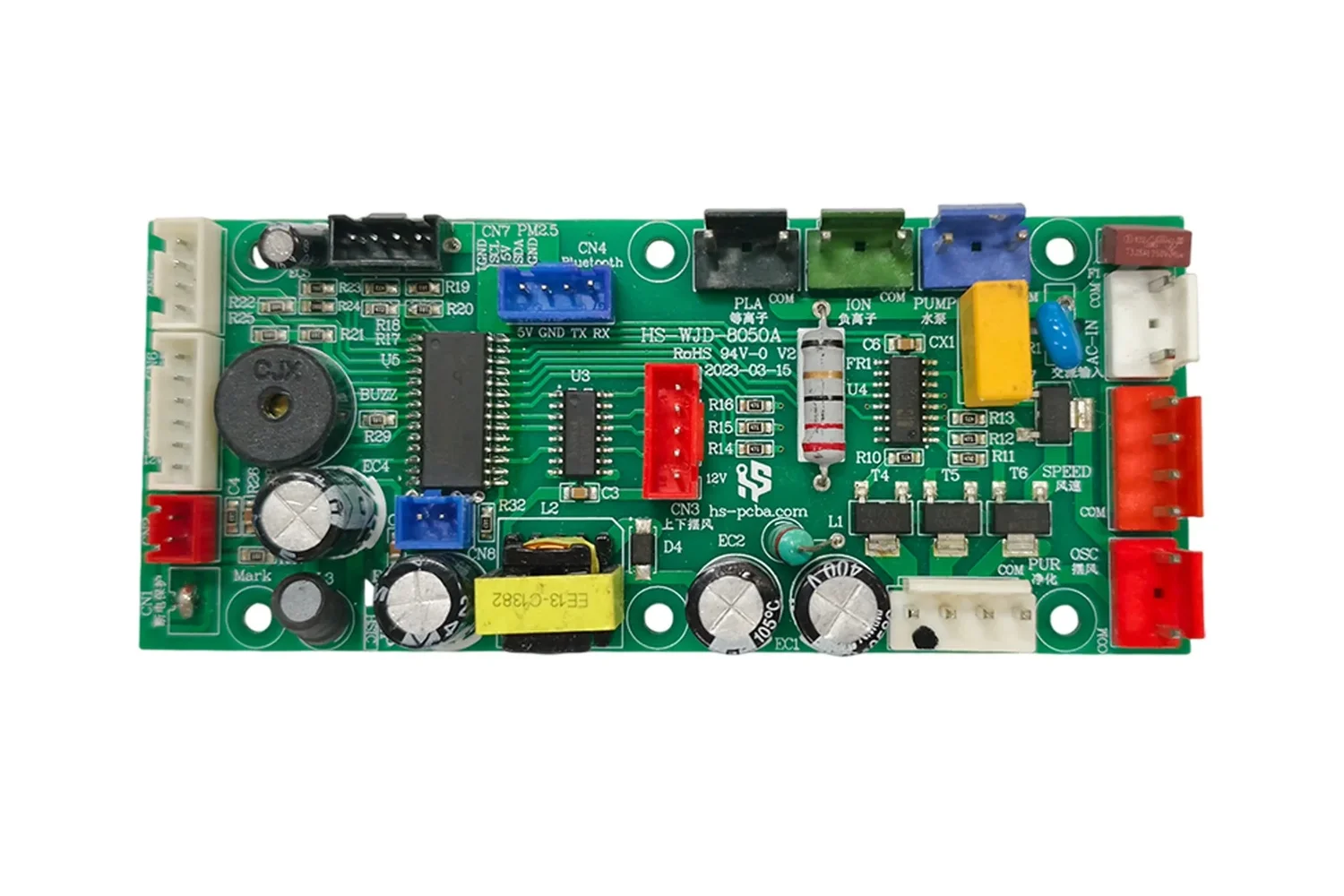 AIR QUALITY & FAN CONTROL
Air & Environment Appliances
Keep sensor values, fan stages, local display, alerts and app-visible product states working from one consistent control model.
View the air-purifier case →These examples show HS-PCBA's relevant appliance-control experience. A specific product's Tuya implementation, platform services and certification requirements are confirmed during project review.
ENGINEERING TO PRODUCTION
One path from product definition to repeatable PCBA
The Tuya PCBA prototype and mass-production path advances platform configuration and electronics development together. Each stage closes a different risk before the next build commitment.
Define the Product
Confirm appliance functions, local behavior, loads, sensors, user journey, target markets and the intended app route.
Map Functions & DPs
Translate power, modes, settings, feedback, faults and schedules into an agreed local and connected state model.
Engineer & Prototype
Develop or revise the schematic, PCB, BOM, module interface and MCU firmware, then bring up the first boards.
Validate as a System
Check local controls, pairing, commands, status feedback, recovery behavior, RF conditions and product-specific functions.
NPI & Produce
Freeze approved files, programming and test criteria, then transfer the build through pilot production into repeatable manufacture.
Useful inputs for a new project
- Product brief, operating modes and user flow
- Loads, sensors, display and enclosure constraints
- Target app route, connectivity and sales markets
If a design already exists
- Schematic, PCB/Gerber, BOM and firmware status
- Selected Tuya PID, module and DP definition if available
- Prototype issues, test needs and target production volume
FAQ
Tuya product development questions
The quickest route becomes clear after the product hardware, local-control requirements and platform status are reviewed together.
What part of a Tuya project does HS-PCBA handle?
HS-PCBA handles the agreed product-engineering and manufacturing scope: control-board hardware, MCU and module interface, local firmware, DP command mapping, prototypes, connected functional validation, NPI and PCBA production. Tuya platform accounts, paid services and app-store release remain with the customer or its authorized platform provider unless a different written scope is agreed.
Can you add Tuya connectivity to an existing appliance?
Often yes. We first review the existing MCU resources, serial interface, power, board space, antenna environment, firmware ownership and local-control behavior. The result may be a module add-on, a controlled board revision or a new integrated control board.
Do you support the Tuya MCU SDK and serial protocol route?
That is a practical route for many appliances with an existing main MCU. The network module handles the platform connection while the appliance MCU implements the required protocol, product logic and DP status exchange. The exact module, protocol version and firmware scope are confirmed per product.
Can the product use Smart Life or our own branded app?
The app route can be Smart Life, a Tuya OEM app or another supported custom-app path. The selection affects platform setup, commercial services, UI scope and release responsibilities. HS-PCBA aligns the device-side data and behavior with the approved route; the customer purchases and manages the relevant Tuya app service.
Will the appliance still work if the internet is unavailable?
It can when essential control is designed to remain on the device. We define which sensing, safety, buttons, displays and operating modes stay local, then use connectivity for functions such as remote commands, status, alerts, schedules or service features.
What is checked before Tuya PCBA mass production?
The project-specific plan can cover electrical inspection, firmware programming, module communication, pairing or network-state checks, I/O and load simulation, sensor response, local UI, app commands, feedback, reset behavior and version traceability. Acceptance criteria are agreed before the production release.
Bring the product brief, not just the platform name
Share the appliance functions, current hardware, target connectivity and app path. HS-PCBA can review the complete route from local control and Tuya integration to prototype, NPI and production.
Tuya and Smart Life are trademarks of their respective owner. References are for compatibility and solution-description purposes only and do not imply endorsement or partnership. Platform features, supported modules, licenses and service terms are subject to the current Tuya Developer Platform offering.